The world of education technology is moving fast to equip teachers and students with the latest methods and technologies to make learning much easier.
These tools are designed for ease of teaching, learning, and personalization, making learning experiences joyful and effective. Below are ten game-changing EdTech tools to use in 2024, categorized to help you find what best suits your needs.
Heuristica
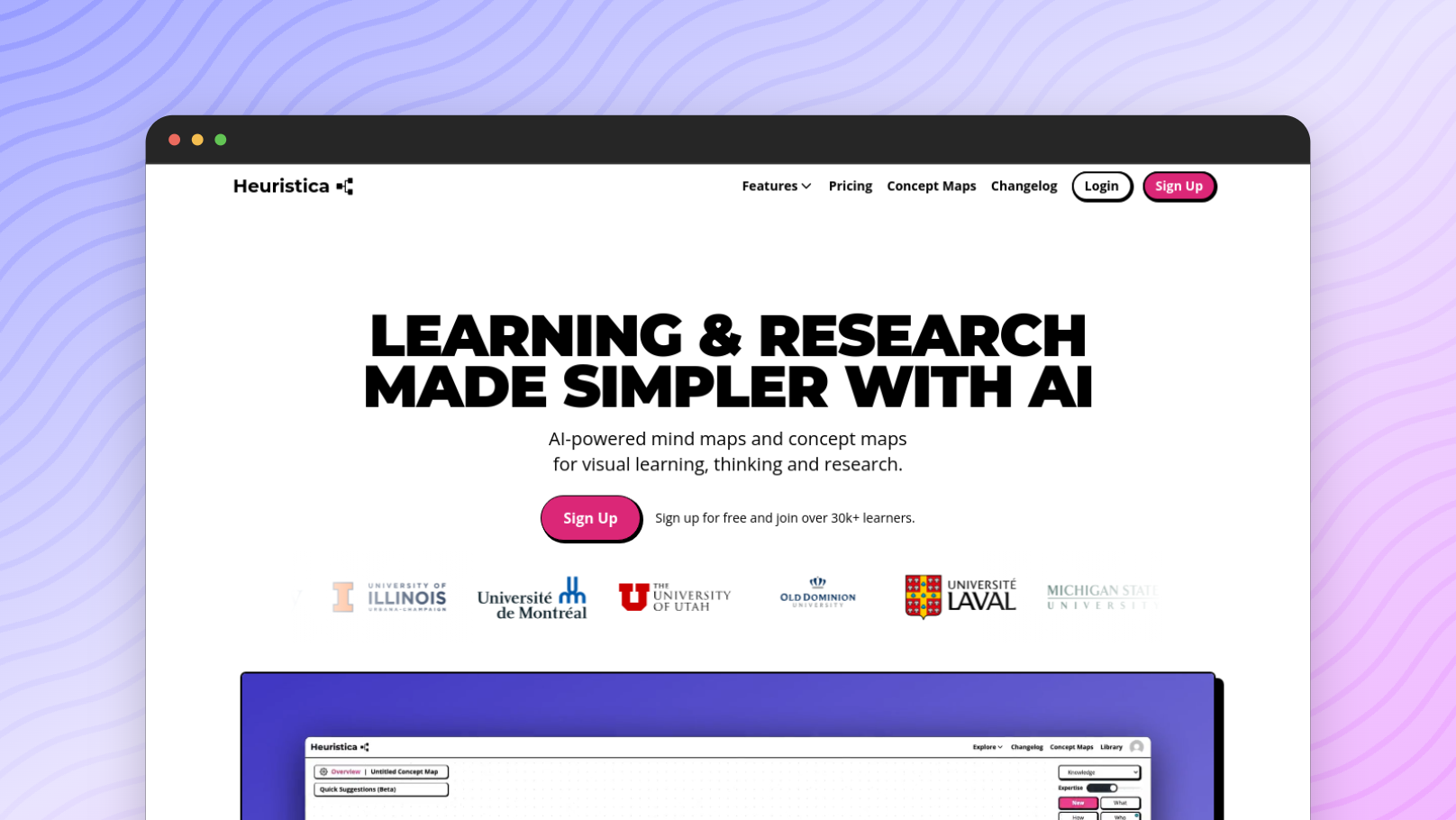 Heuristica is an AI-powered concept mapping tool for visual learning, thinking, and research. It allows students to create visual maps to structure and organize knowledge and discover new topics related to their studies.
It integrates with resources like podcasts, YouTube videos, Research Papers from various resources, and Wikipedia. Students can use the tool for knowledge exploration using concept maps and create quizzes, essays, or flashcards from their maps.
Edpuzzle
Edpuzzle turns video content into interactive lessons. Teachers can insert quizzes, notes, and discussion points into existing videos from YouTube or upload their own. This is very helpful in the blended learning environment, and it allows for some flipped classroom models where students review content outside of class and do more hands-on activities during class time.
Nearpod
With Nearpod, teachers can transform a simple presentation into an engaging tool, with the possibility of polls, quizzes, and virtual field trips. It is an interactive tool that supports teacher-led and student-paced lessons to meet various teaching styles. Nearpod has a library of thousands of pre-curated lessons at educators' disposal for the massive savings of work.
Socrative
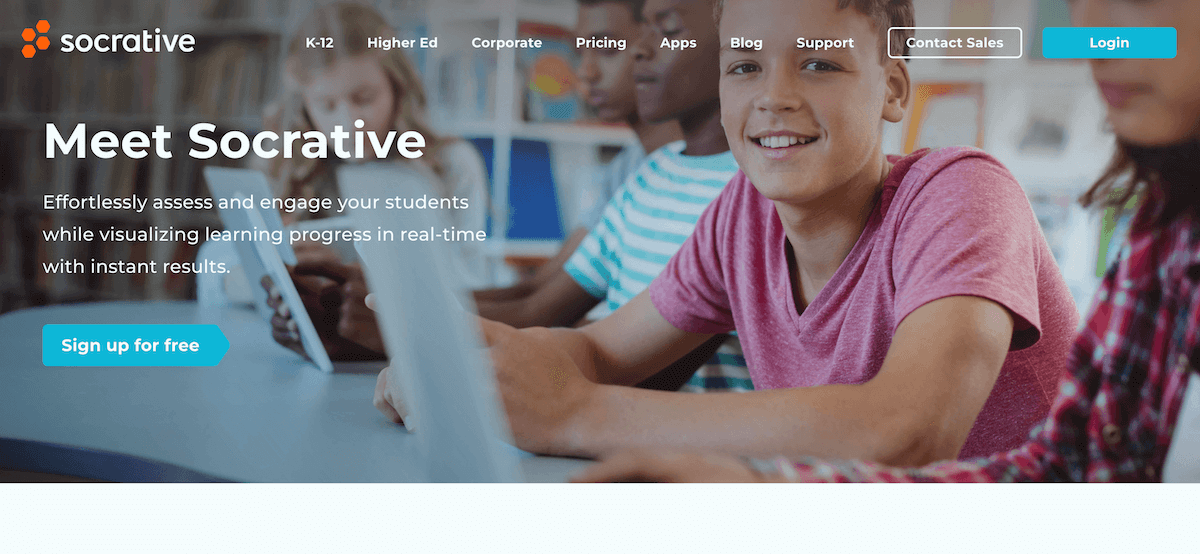 Socrative is an in-class app for creating real-time quizzes, polls, and exit tickets. It provides instant feedback that informs instruction and can enable the educator to adjust lessons on the fly based on student comprehension. Great for formative assessment, it keeps students active during lessons.
Kami
Kami is a powerful document annotation and collaboration tool that lets students and teachers interact directly with PDFs, documents, and worksheets. It includes real-time collaboration, fitting nicely into a remote or hybrid learning setting. Kami also integrates with Google Classroom and Microsoft Teams, extending its utility value in the modern classroom.
Wakelet
Wakelet is an online curation platform that allows educators to create, organize, and then curate content across the web. Teachers can curate multimedia content from various articles, videos, images, and notes to support lesson plans. This platform is ideal for project-based learning, as it would give students a structured yet flexible framework for their research.
Padlet
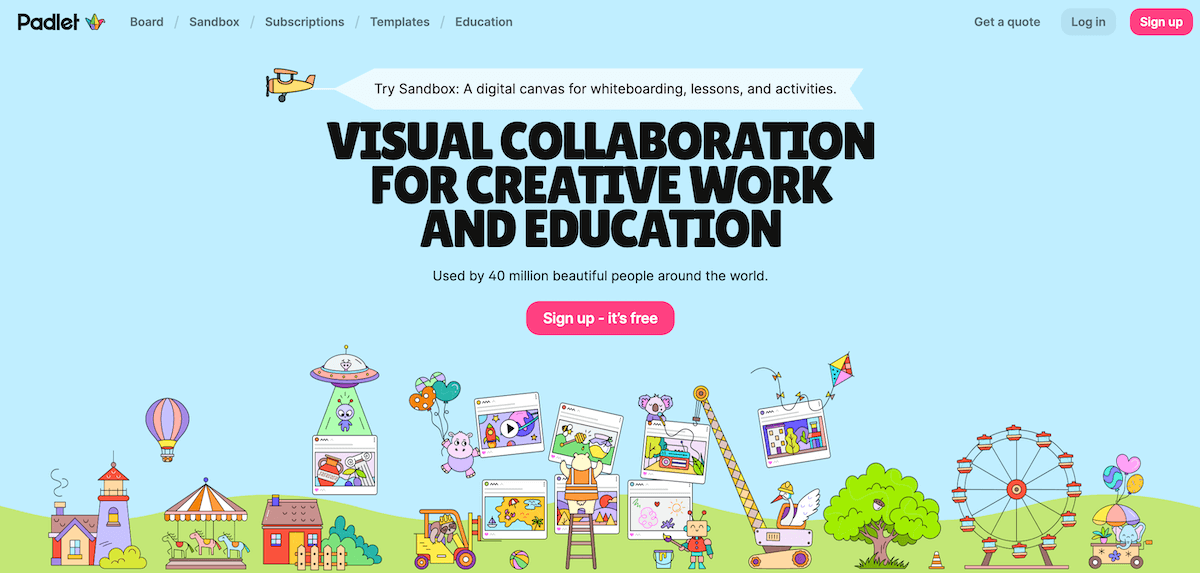 Padlet is a collaborative online bulletin board allowing users to share notes, images, videos, or any other media type. It allows teachers to hold brainstorming sessions, give feedback, and work in groups. Padlet visually presents ideas and can be embedded into learning management systems.
Pear Deck
Pear Deck is an interactive presentation tool that facilitates teacher interaction with students in the lesson. It integrates with Google Slides and Microsoft PowerPoint and includes tools to enliven presentations with interactive questions, polls, and drawing activities.
Teachers can review student responses in real-time and, therefore, adjust the pace of the lesson based on the feedback provided, which makes this tool perfect for formative assessments.
Kahoot!
Kahoot! makes learning more fun through quizzes, polls, and lessons. It supports live and self-paced learning; educators can create or use pre-made quizzes for review sessions, icebreakers, or assessments. Kahoot! also includes learning with games, making education more interactive and memorable.
Buncee
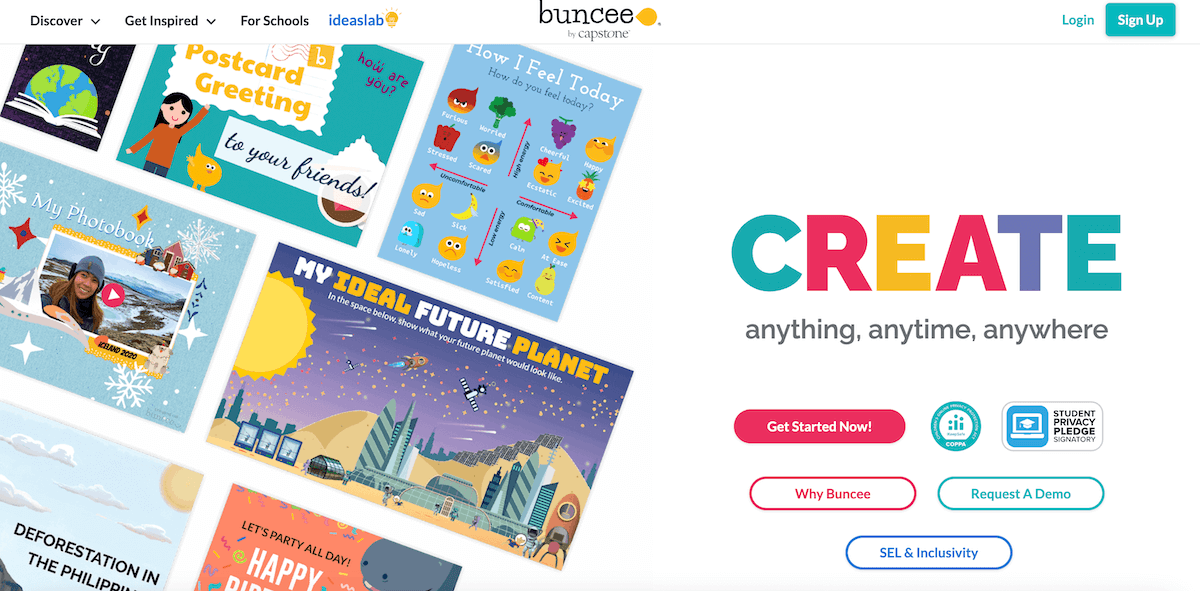 Buncee is a multimedia creation tool through which students and teachers can create interactive presentations, digital stories, and e-portfolios. It brings lessons to life with text, images, videos, and animations on one creative platform where student expression and engagement thrive.
How to Find the Best EdTech Tools
As you hunt for the best EdTech tools, be in a position to know how to look into the needs of your students, your teaching style, and the requirements of the curriculum. Identify your major challenge: whether you are out to increase engagement or want to make formative assessments quick and easy, or even foster collaboration.
Once you have set your objectives, you should consider AI-driven platforms, interactive presentation software, coding education apps, and collaboration tools. Most EdTech vendors provide free trials, a great way to try out many of the features for yourself.